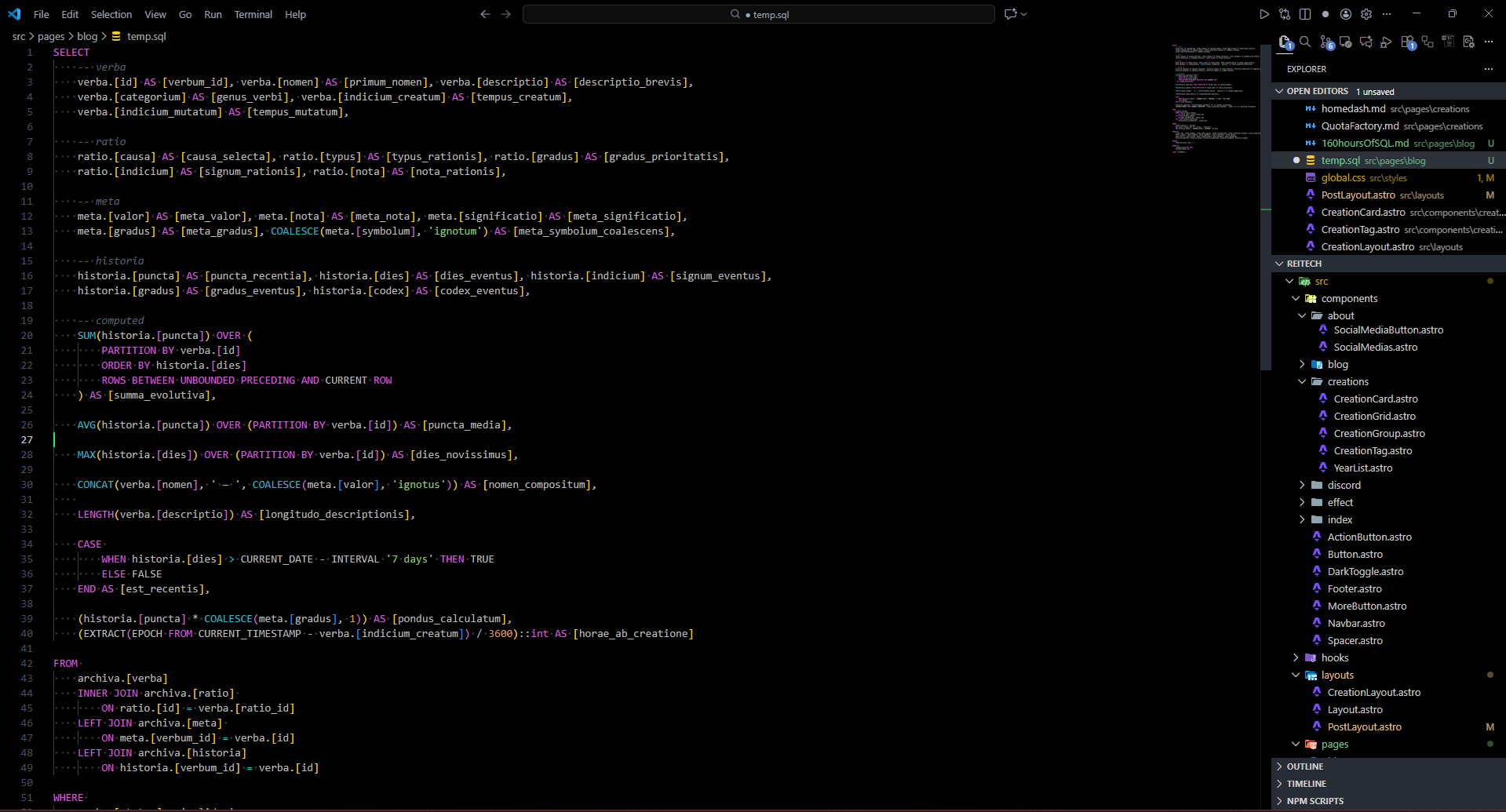
After a long time of promising, I’ve decided to finally write this post in regards of what, in my opinion, good SQL looks like.
The start
I never really wrote a lot of SQL before, I’ve generally been able to extract data from an SQL database with little to no effort, but after starting work on a real, larger project, this has very much changed. At school the look of SQL in my case was never cared about, as long as it worked and it was read-able enough for the teacher to give you a passing grade, no one asked or cared.
The issues with the way people write SQL generally pop-up when, either you’ve forgotten what the SQL was meant to do and how, or you are in general working on SQL written by someone else. Which makes me point out a couple primary issues I met when working on SQL written by people before me. Including a little bit of database design.
Disclaimer
This is purely based on my experience with MariaDB and MS SQL Server.
Any and all code is pseudo code, modified to the point of the original query being lost.
New line hell
When you write SQL, most of the time you don’t make huge selects, sometimes though if you are working on a dashboard, or settings menu. You might want to extract much more data at once. Most of the time when I see SQL, I see 1 line per 1 column in the table. Which is fine, until you need to select 200 columns. So let’s look at a smaller example of such an SQL, below is an SQL that takes user’s information, any documents linked to them, their paychecks and their devices.
SELECT
  user.[ID] [UserID],
  user.[Name] [UserName],
  user.[Password] [UserPassword],
  user.[Email] [UserEmail],
  user.[FirstName] [UserFirstName],
  user.[MiddleName] [UserMiddleName],
  user.[LastName] [UserLastName],
  documents.[ID] [DocumentID]
  documents.[Name] [DocumentName],
  documents.[Password] [DocumentPassword],
  documents.[Path] [DocumentPath],
  documents.[CreatedAt] [DocumentCreatedAt],
  documents.[Deletable] [DocumentDeletable],
  paychecks.[ID] [PaycheckID],
  paychecks.[Amount] [PaycheckAmount],
  paychecks.[PaidOut] [PaycheckPaidOut],
  paychecks.[Date] [PaychecksDate],
  paychecks.[DocumentID] [PaycheckDocumentID],
  devices.[ID] [DeviceID]
  devices.[UserID] [DeviceUserID]
  devices.[DeviceName] [DeviceName],
  devices.[IP] [DeviceIP],
  devices.[MAC] [DeviceMAC],
  devices.[Serial] [DeviceSerial],
  devices.[InvoiceID] [DeviceInvoiceID]
  -- ...
FROM [User] user
LEFT JOIN [Workplace] workplace ON workplace.[EmployeeID] = user.[ID]
LEFT JOIN [Paychecks] paychecks ON paychecks.[UserID] = user.[ID]
LEFT JOIN [Documents] documents ON documents.[UserID] = user.[ID]
LEFT JOIN [Documents] documents2 ON documents2.[ID] = paychecks.[DocumnetID]
LEFT JOIN [Devices] devices ON devices.[UserID] = user.[ID]
 -- ...
You might find that this still quite short SQL, takes up a lot of screen space, mostly vertically which, unless you’re on a phone or using a monitor in portrait mode, tends to be the direction where you’ve got the least room to fit into. That’s where I believe starts the first issue when writing SQL.
1. Stop making so many lines! Yes, you will be able to quickly read it, but as soon as you can’t fit the whole SQL on the screen, the only thing you’ll be reading is your hopes and dreams of understanding the SQL quickly and easily.
The solution isn’t just making your SQL only on one line, as with many things in DBs the solution is balance. That’s why I would recommend writing at most about 5 columns, per row. Althought this, warrants for another rule.
2. 1 table per row, if you start mixing tables in rows, it’s gonna get messy quickly and you’ll have a hard time finding what you need. That’s why if you put multiple columns on 1 row, it should contain only 1 table. If you need data from another table, put it on another row. Now in our theoretical query, we should have something like this:
SELECT
  user.[ID] [UserID], user.[Name] [UserName], user.[Password] [UserPassword], user.[Email] [UserEmail],
  user.[FirstName] [UserFirstName], user.[MiddleName] [UserMiddleName], user.[LastName] [UserLastName],

  documents.[ID] [DocumentID], documents.[Name] [DocumentName], documents.[Password] [DocumentPassword],
  documents.[Path] [DocumentPath], documents.[CreatedAt] [DocumentCreatedAt],
  documents.[Deletable] [DocumentDeletable],

  paychecks.[ID] [PaycheckID], paychecks.[Amount] [PaycheckAmount], paychecks.[PaidOut] [PaycheckPaidOut],
  paychecks.[Date] [PaychecksDate], paychecks.[DocumentID] [PaycheckDocumentID],

  devices.[ID] [DeviceID], devices.[UserID] [DeviceUserID], devices.[DeviceName] [DeviceName],
  devices.[IP] [DeviceIP], devices.[MAC] [DeviceMAC], devices.[Serial] [DeviceSerial],
  devices.[InvoiceID] [DeviceInvoiceID]
  -- ...
FROM [User] user
LEFT JOIN [Workplace] workplace ON workplace.[EmployeeID] = user.[ID]
LEFT JOIN [Paychecks] paychecks ON paychecks.[UserID] = user.[ID]
LEFT JOIN [Documents] documents ON documents.[UserID] = user.[ID]
LEFT JOIN [Documents] documents2 ON documents2.[ID] = paychecks.[DocumnetID]
LEFT JOIN [Devices] devices ON devices.[UserID] = user.[ID]
 -- ...
With just these few changes, you can fit the SQL, and somewhat easily find the column you want to change. Though why not make it easier to read? This query has an alias for everything, which gets me to the next main point.
Optional, doesn’t mean it stops existing
A lot of people I see mainly starting with SQL, see that they don’t have to write a part of the command and suddenly the existence of that keyword is forgotten. Sometimes you really do not need them. But in our SQL, using the AS keyword, would be very helpful. Primarily because there’s a lot of aliases. Another thing I’ve noticed, quite a few people either forgotten or never knew, comments exist in SQL, you can write comments into your query to explain stuff.
For example, I prefer to not have to write out the full table name 20 times in 1 query in a row, which since I write all the columns I want data from grouped together by table. I could just shorten the table name and then add a little comment for clarity.
Another thing I’ve noticed programmers who write SQL use very little is whitepsace, in code we leave empty lines often just to make it more readable and in general format it. So why in SQL we forget about that option?
So if we mix these 3 things:
- Using optional keywords
- Grouping column selects by table
- Using whitespace
SELECT
  -- u = user
  u.[ID] AS [UserID], u.[Name] AS [UserName], u.[Password] AS [UserPassword], u.[Email] AS [UserEmail],
  u.[FirstName] AS [UserFirstName], u.[MiddleName] AS [UserMiddleName], u.[LastName] AS [UserLastName],

  -- doc = documents
  doc.[ID] AS [DocumentID], doc.[Name] AS [DocumentName], doc.[Password] AS [DocumentPassword],
  doc.[Path] AS [DocumentPath], doc.[CreatedAt] AS [DocumentCreatedAt],
  doc.[Deletable] AS [DocumentDeletable],

  -- p = Paychecks
  p.[ID] AS [PaycheckID], p.[Amount] AS [PaycheckAmount], p.[PaidOut] AS [PaycheckPaidOut],
  p.[Date] AS [PaychecksDate], p.[DocumentID] AS [PaycheckDocumentID],

  -- dev = Devices
  dev.[ID] AS [DeviceID], dev.[UserID] AS [DeviceUserID], dev.[DeviceName] AS [DeviceName],
  dev.[IP] AS [DeviceIP], dev.[MAC] AS [DeviceMAC], dev.[Serial] AS [DeviceSerial],
  dev.[InvoiceID] AS [DeviceInvoiceID]
  -- ...
FROM [User] AS u

  LEFT JOIN [Workplace] AS w ON w.[EmployeeID] = u.[ID]
  LEFT JOIN [Paychecks] AS p ON p.[UserID] = u.[ID]
  LEFT JOIN [Documents] AS doc ON doc.[UserID] = u.[ID]
  LEFT JOIN [Devices] AS dev ON dev.[UserID] = u.[ID]
 -- ...
We get an SQL like this, personally I find this very clear and nice to read. Without it taking up more space on my screen, than the avg. user count of my apps.
Consitency is key
Last thing I’d like to point out, to anyone looking to write better SQL, please for the love of god. If you decide on a format in a codebase, for the sake of simplicity let’s say you write all your SQLs like I described. Do it for every query the same, the worst thing you could do for refactoring, is writing every query differently. Yes of course, if you’ve decided to refactor queries into a different style, there’s gonna be some time before you convert them all, but you have to convert them all. If you mix 20 different styles of writing SQL, you’ll have to think about how the SQL is written, instead of what the SQL does. Which to me, what the SQL does is way more important.
I hope this post, will help at least someone write a bit better SQL, this will probably be one of the last posts for a couple weeks as I’ll be moving to a new place.
I wish you all a lovely day!